From Sketch to Screen: How to Digitise Your Design Idea
 February 9, 2026
 By Admin


February 9, 2026
By Admin
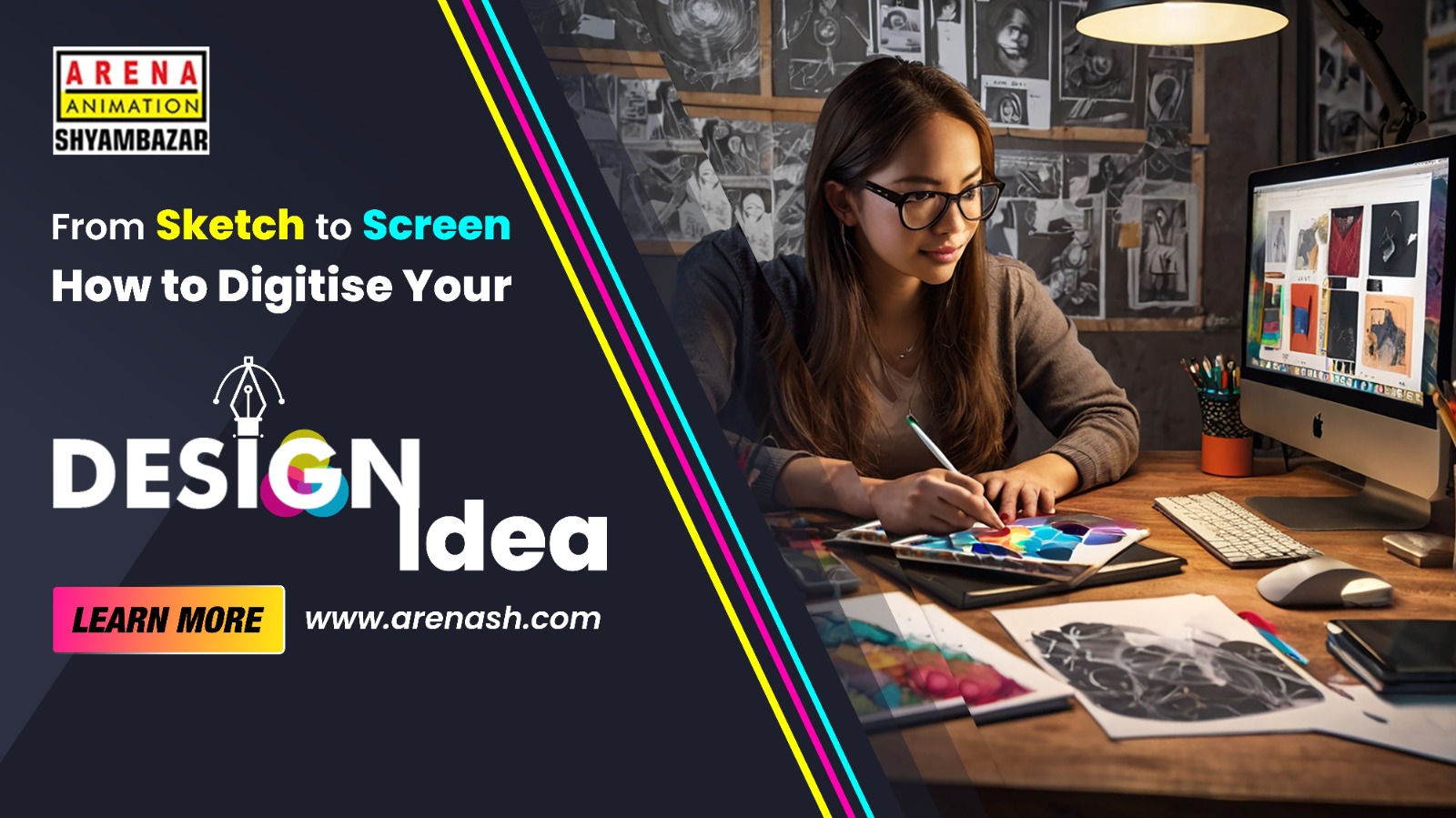
Do you love doodling, and find yourself doodling whenever you get time? Well, this is how the fundamentals of design begin. You start with a simple rough idea; however, you need the right balance and process in your sketches to transform them digitally with the help of artificial intelligence.
This blog will help you learn how to digitise your unique design concepts and elevate them from a basic napkin doodle to a professional design in the digital medium.
You must kick start with clear and high-contrast sketches:
Through scanning, you get the best results:
Smartphone method:
Option A: Raster Tracing
Deploy graphics design tools such as Canva, Procreate, Photoshop, etc.
Option B: Using Vector Tracing
Deploy tools such as Inkscape, Adobe Illustrator, Figma, etc.
Some of the premium graphic design colleges in Kolkata, such as Arena Animation, MAAC, and other institutes, teach and mentor students through hands-on workflows. We offer the best graphic design courses with industry-practiced software and modern technology that helps the students to bridge the gap between professional delivery and sketching more precisely than just trial and error.
Individuals can use several free and paid tools, such as:
Your first digital version may not be in sync with the sketch’s raw energy. You should proactively make the changes as per the feedback. Mastering sketch to screen is the right approach to refine your skills. You can accomplish this either through online resources or the best graphic design courses in Kolkata. Your persistence can transform raw sketches into final outputs.
Reach out to us using the form below!
March 25, 2026 | By Admin
March 18, 2026 | By Admin
March 4, 2026 | By Admin

February 20, 2026 | By Admin
February 9, 2026 | By Admin
February 9, 2026 | By Admin

February 9, 2026 | By Admin
January 30, 2026 | By Admin
January 21, 2026 | By Admin
January 13, 2026 | By Admin


Our FREE Animation Camp opens up the world of animation with expert guidance, challenges and fun projects. Discover your potential with our animation course today!


 +91 9836221155